Payment fraud and sender impersonation
The last look before money moves.
Signet7 adds a tamper-evident digital signature to important email. Anyone who receives that email can confirm, in seconds, that not one word has changed since it was sent.
One fake payment email costs an organization $123,005 on average, and the FBI logged $3.05 billion of these losses in 2025. The usual defence is to train people to spot a clumsy fake — and that defence is closing, because generative AI can quickly produce a convincing impersonation of your finance director. Signet7 never asks how an email reads. It checks the wording against a signature, which a convincing forgery does not have.
Check an important email before you act. Signet7 answers two questions: has the wording been altered since it was signed, and is the sender's address one Signet7 has on record? Recipients need no account and install nothing.
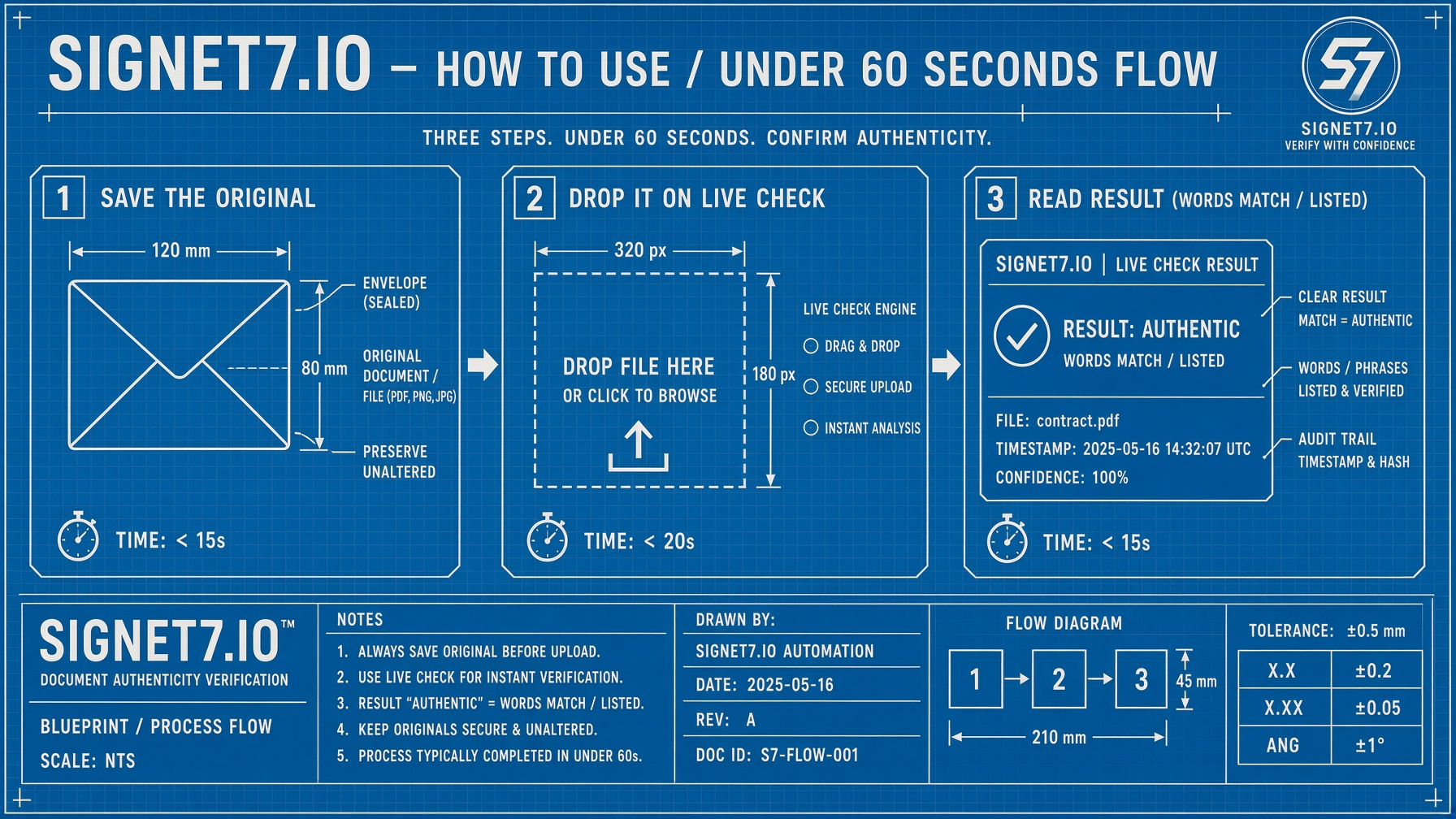
Save the original. Open the Live check. You get a signed file you can produce later as proof. A clean result does not mean the email is safe to pay — it means the wording is unchanged and the sender's address is on record. The same evidence can gate actions proposed by people or AI agents before irreversible steps.
Nothing for recipients to install
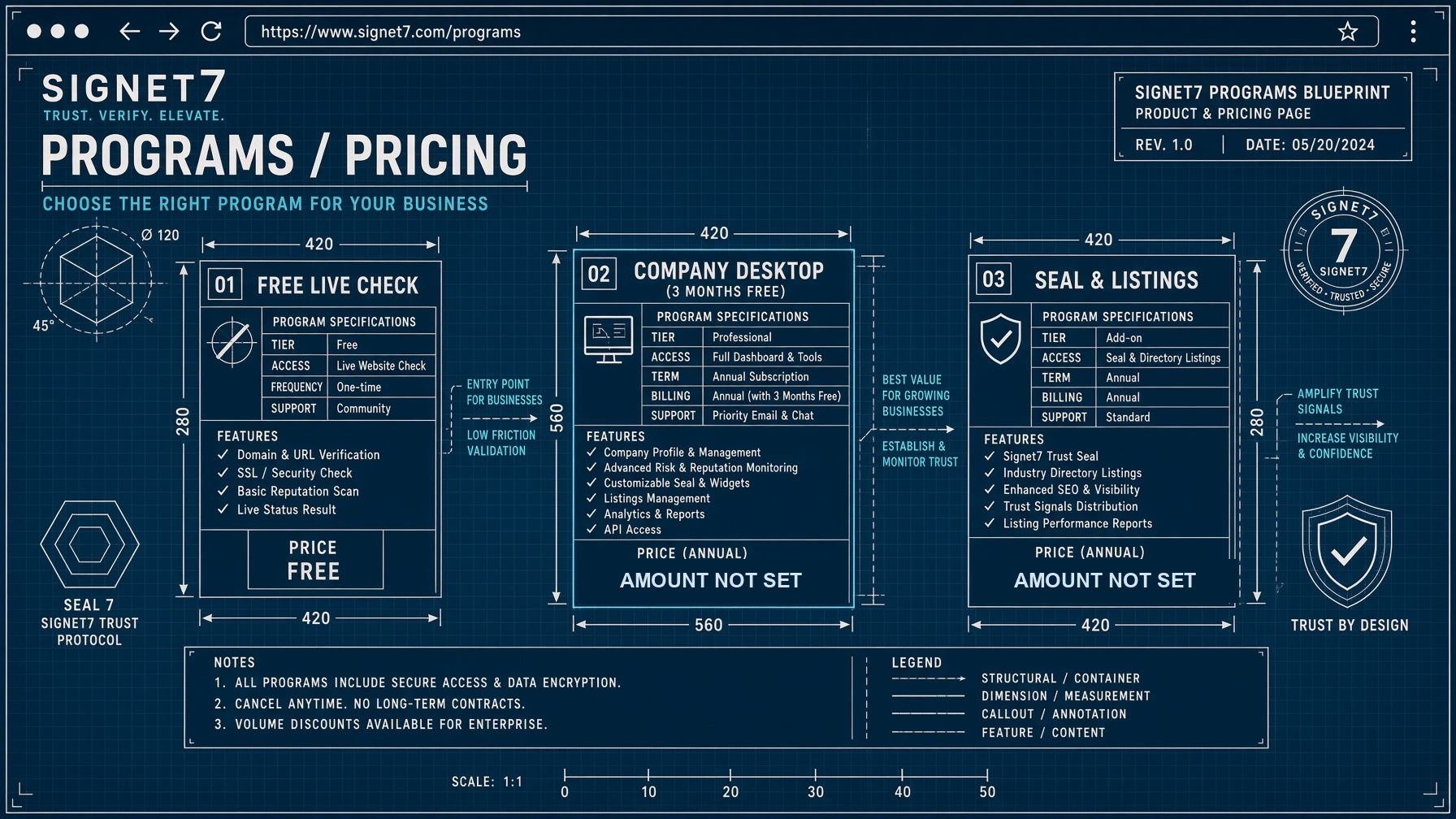
Free while in preview — see what is live today
Source: FBI Internet Crime Complaint Center, 2025 Annual Report. The average is those reported losses divided by the 24,768 complaints in the same report. These are reported losses across all organizations, not Signet7 results. Read the FBI report.
Why this is getting harder
The warning signs people were taught to look for are disappearing.
Staff training for payment fraud has always rested on the fake being imperfect: odd phrasing, poor grammar, a tone that did not sound like the person. Generative AI removes every one of those tells. The FBI's 2025 report says AI-enabled synthetic content is "becoming increasingly difficult to detect and easier to make", and that chat generators "can quickly create official-sounding emails mimicking a company's CEO or other officials".
The fakes now read perfectly
An attacker no longer needs to write good English or know how your finance director phrases things. They can produce a message that reads exactly right, then send thousands of variations of it.
The FBI now counts it separately
Its 2025 report gives AI a section of its own: 22,364 complaints and $893 million in losses, including over $30 million lost to business email compromise specifically involving AI. The FBI notes many victims never realise AI was used, so the true figure is higher.
A signature does not care how convincing it is
Signet7 does not score how an email reads, so a better-written fake does not get past it. Either the wording matches what the sender signed, or it does not. A forgery, however perfect, cannot produce a signature it never had.
To be clear about the limit: most email carries no signature at all, and Signet7 reports that honestly as "no seal" rather than treating it as suspicious. The protection is strongest between organizations that have both registered, which is why the check and the invitation are free. How listings work · Verify an email now
What you do
Verify an email you received. Sign the email you send. Keep the proof.

Verify an email you received
Free, with no account and nothing to install. Save the original email, upload it to the Live check, and read the answer before you pay or change any account details.

Sign the email you send
Register your organization, then run Signet7 desktop on the named work emails that move money — accounts payable, payroll, legal. One office computer, not every laptop. Recipients are not required to install anything to check what you send them.

Keep the proof
The signature travels with the email. That file is the record. Download it and you can show months later that the wording never changed.
Where to go next
Read more before you decide
Unsure about a word on this page? See what the words on this site mean.
Overview
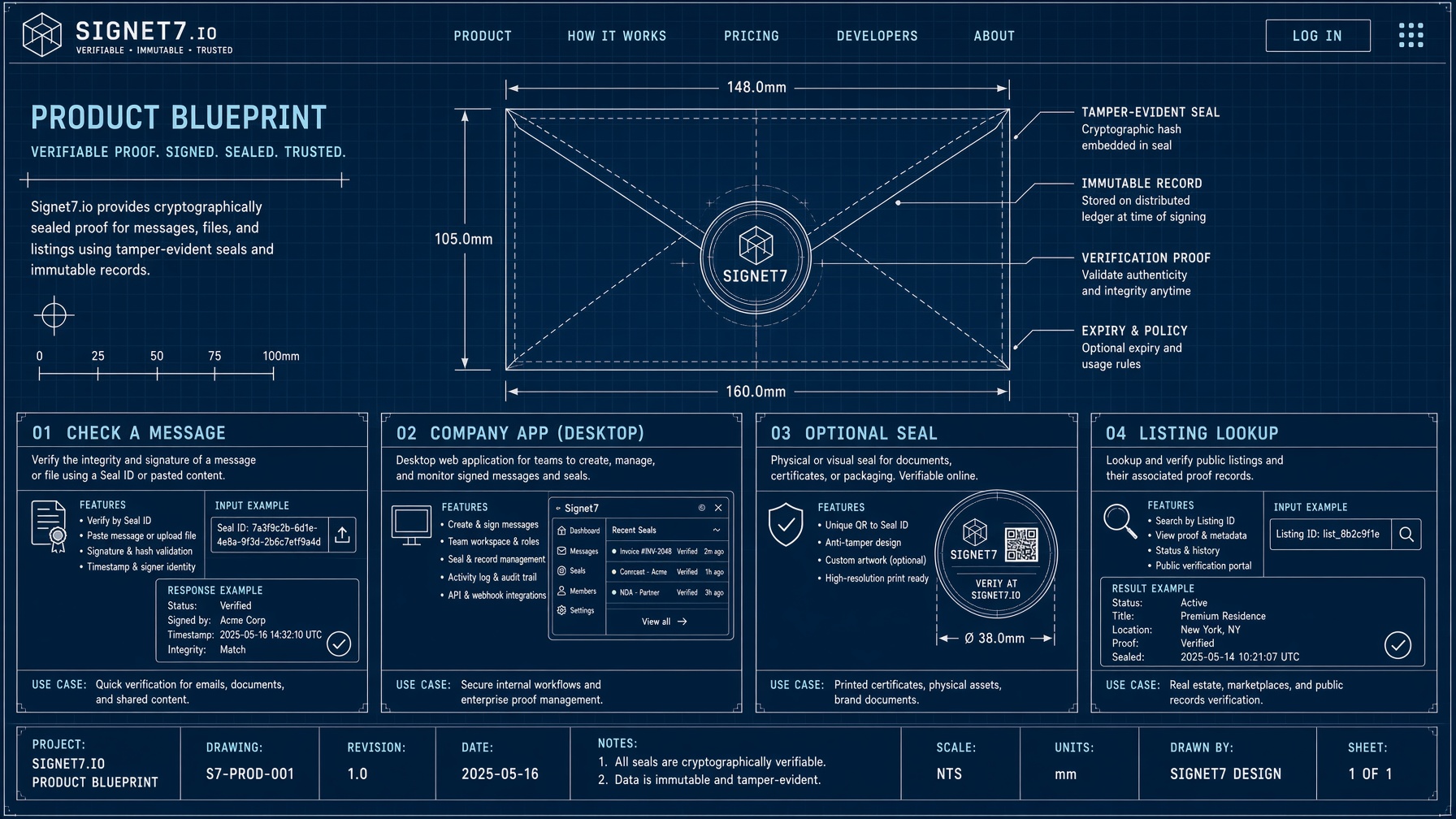
The three parts: signing email you send, verifying email you receive, and the desktop app for named work emails.
For government and public agencies
Which departments use it, what your IT reviewer will ask for, and how to put Signet7 on a purchase order.
Set-up instructions
How to verify an email, and how to install the desktop app once your organization has registered.